
Skip to main content
You can block unmanaged Chrome devices in classroom.cloud. This can be set in the following location:
- Sites > {{Site name}} > Settings > General > Miscellaneous. Use the Block unmanaged Chromebooks from enrolling option to toggle this setting on or off.
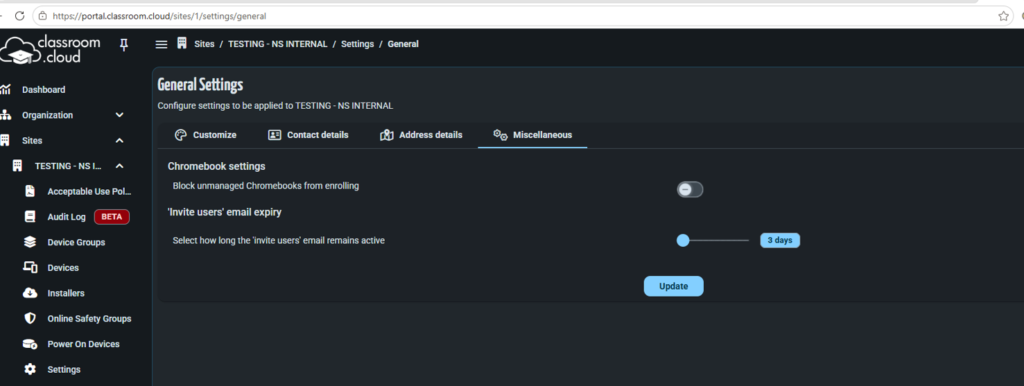
Applying this setting prevents any unmanaged devices from enrolling.