Skip to main content
You can find your 247connect serial via the main web portal. To locate the serial number for your account, please follow the steps below :
Via the web portal
- Log in to the 247connect web portal using the link: https://portal.247connect.cloud.
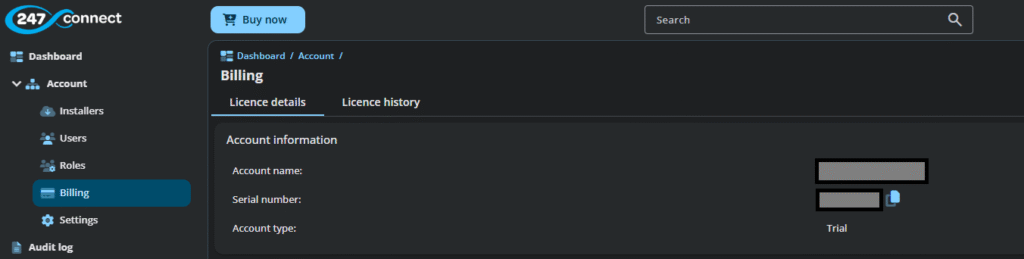
- From the side menu, select Account > Billing.
- In the Licence details tab, you’ll find your serial number in the Account Information section.