Skip to main content
With the release of the Web Portal 1.19.0 update, a new Remote session idle timeout setting was added. This setting will automatically disconnect the user from a connected Agent machine after the specified time has elapsed if no remote activity is detected.
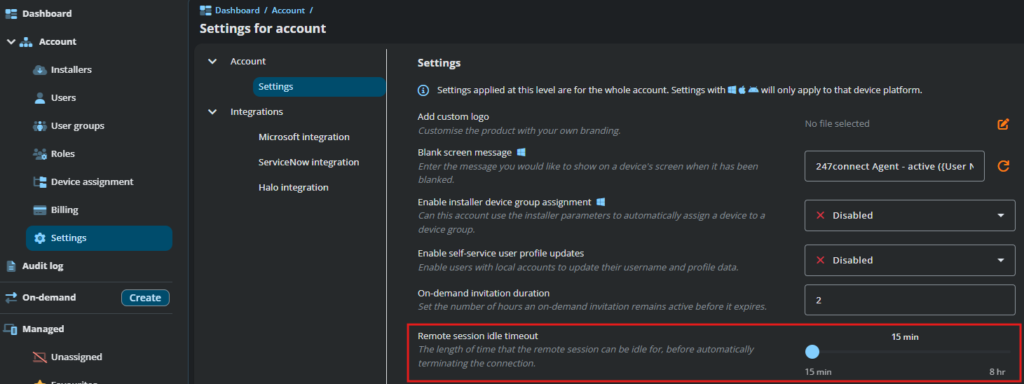
The default disconnect value is 15 minutes; however, it can be changed in the Account > Settings section of the Web Portal. The maximum value for the inactivity setting is 8 hours.
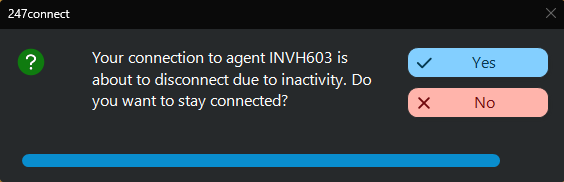
When the inactivity setting is triggered, the user is presented with the following Agent disconnection prompt. Unless the user clicks No within the countdown timer, the connection to the Agent will be automatically disconnected.